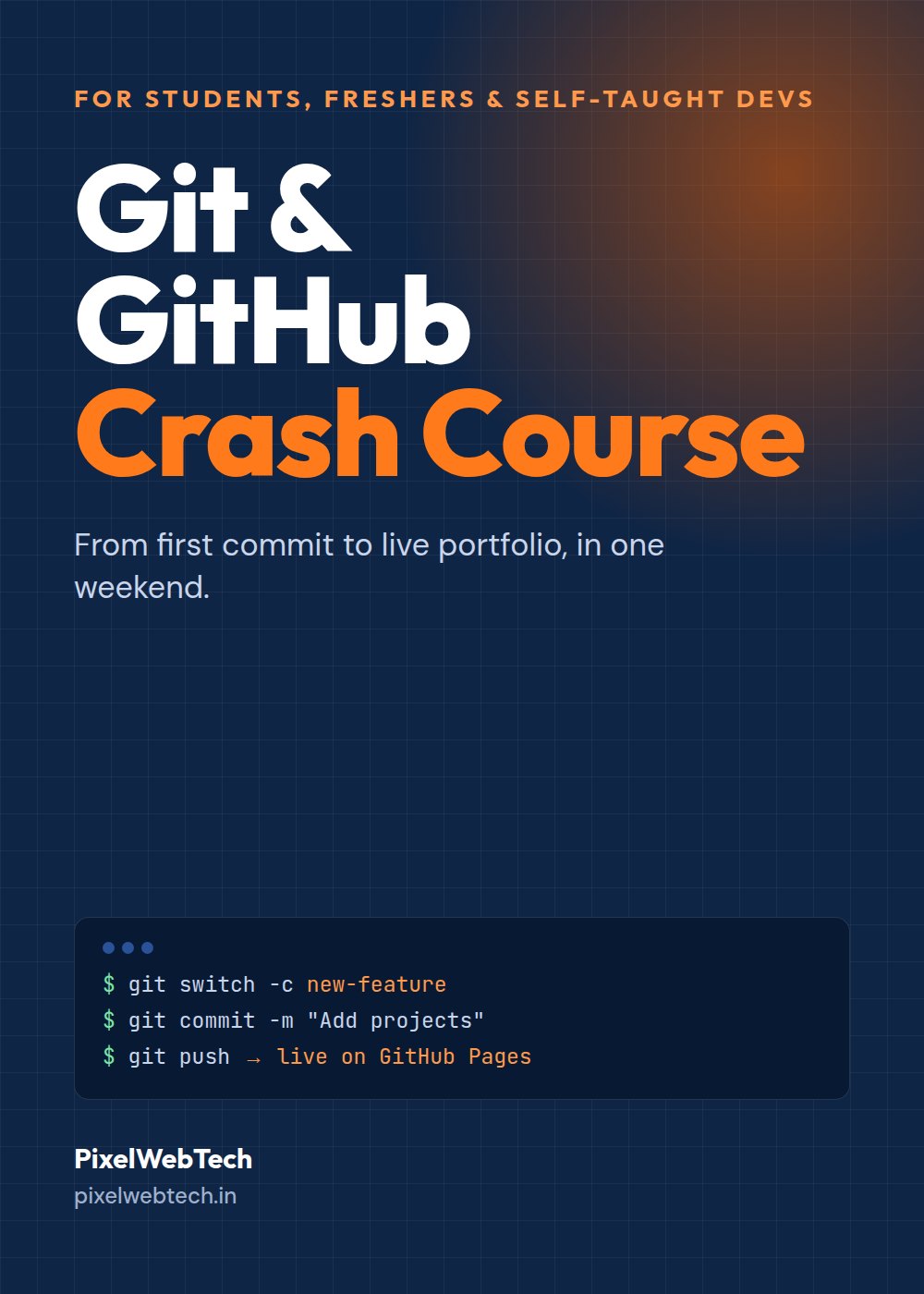
From first commit to a live portfolio, in one weekend. Learn the Git you'll use every day, fix any mistake without panic, and work like real teams do.

add, commit and push, and panic the moment anything else happens.<<<<<<< arrows and you copy-pasted your way out.final-v3-use-this-one.Free tutorials teach commands. This book teaches you what to do when things go wrong, because that's where everyone actually gets stuck.
Every command in the book was run for real, and the output you see is what Git actually prints, including the scary error messages, so you'll recognise them when they happen to you.
13 short chapters. Each one has a "Try it" task on your portfolio and a "Common mistake" box.
From chapter 8, where you create a merge conflict on purpose so it never scares you again:
$ git merge new-title Auto-merging index.html CONFLICT (content): Merge conflict in index.html Automatic merge failed; fix conflicts and then commit the result.
And a slice of the free cheat sheet from Appendix A:
| Command | What it does |
|---|---|
| git restore <file> | Discard unstaged edits |
| git commit --amend | Fix last commit (not pushed) |
| git revert <id> | Undo a pushed commit safely |
| git reflog | Find "lost" commits |
At checkout, enter the same code in the "Voucher / referral code" field so we know who referred you.
As soon as the payment goes through, you land on a download page. It's a PDF, so it opens on any phone or laptop. Save it to your Files or Google Drive.
Open "Have a voucher or referral code?" in the buy box, type your code and tap Apply. The discounted price appears immediately. If a friend shared a link with a code in it, the code is applied automatically.
Yes. Setup starts from zero on Windows (then Mac and Linux), and every command is shown with the exact output you should see.
Chapter 13 has 25 Git questions you should be able to answer, with short, correct answers, and chapter 11 helps you build a GitHub profile worth sharing on your résumé.
It teaches the commands, and shows where VS Code helps, for example with merge conflicts. Once you understand the commands, every Git button in every tool makes sense.
Email contact@pixelwebtech.in with your Razorpay payment ID and we'll send it within 24 hours, or refund you.